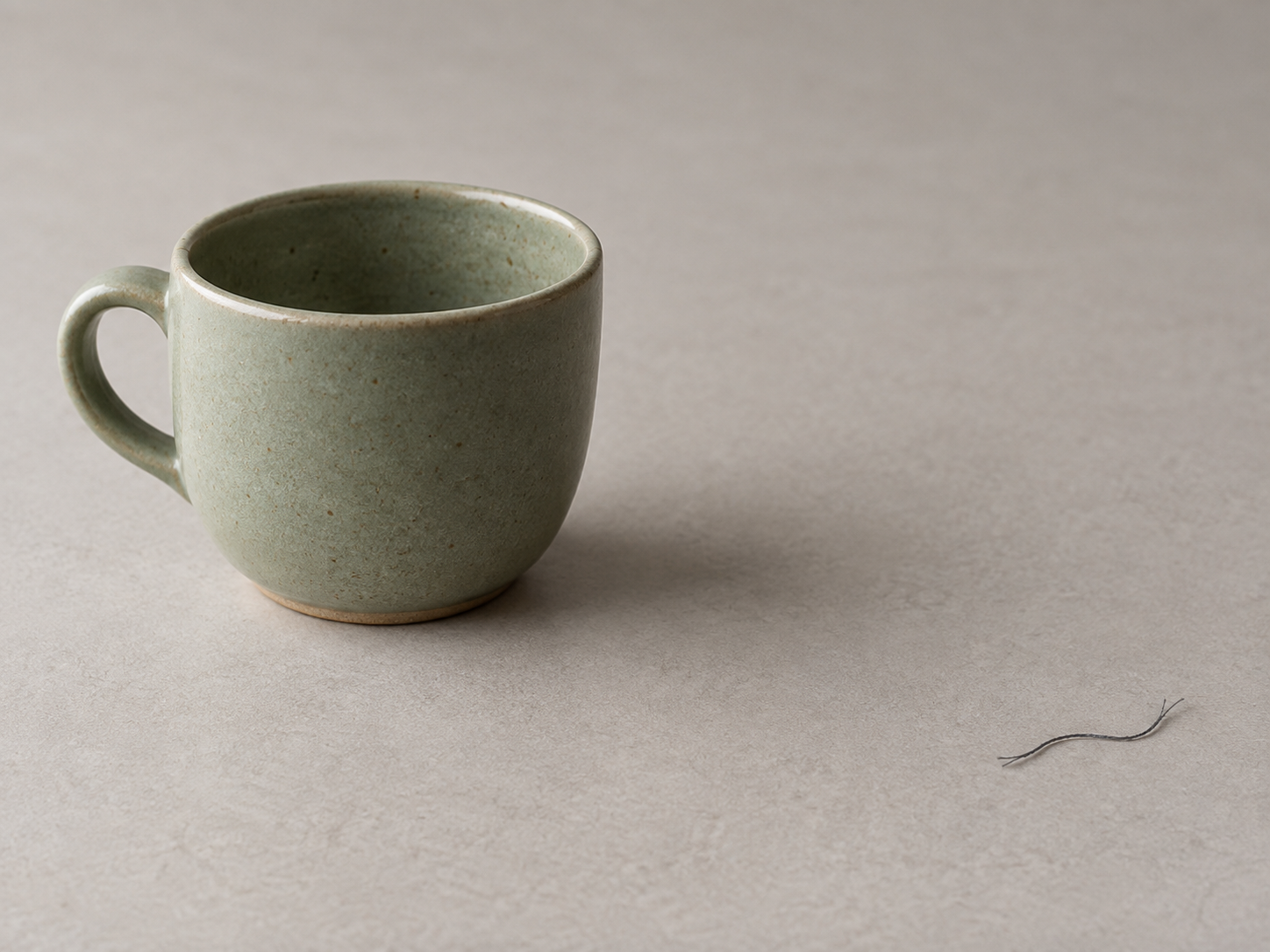
Remove a small background figure
Start with a small figure on a simple background and include its shadow. Large figures or complex occlusion may leave artifacts.
Open toolChoose a task, read the tip and open the matching tool. Start with a small area and inspect the finished image.
Loading the selected image…
Start with a small figure on a simple background and include its shadow. Large figures or complex occlusion may leave artifacts.
Open toolTry a small target on a sky, wall or tabletop. Cover its edges and check whether the repaired texture is continuous.
Open toolOnly edit marks you have the right to alter. Cover the letters and a small margin. Fill cannot recover hidden factual detail; inspect the result.
Open toolSelect a sensitive area and apply mosaic or blur. Open the exported file before posting and check whether private details remain readable.
Open toolOpen the background remover and inspect the edges before saving a transparent PNG. Pay particular attention to fine hair and translucent areas.
Open toolStart small and compare with the original. Keep real defects visible in product photos so buyers can judge the item accurately.
Open tool